
Curb
Never pay for a forgotten subscription again.
Curb brings all your subscriptions into one place and warns you before every charge. Take back control of your recurring spending in minutes.

 Contact
Never pay for a forgotten subscription again.
Curb brings all your subscriptions into one place and warns you before every charge. Take back control of your recurring spending in minutes.
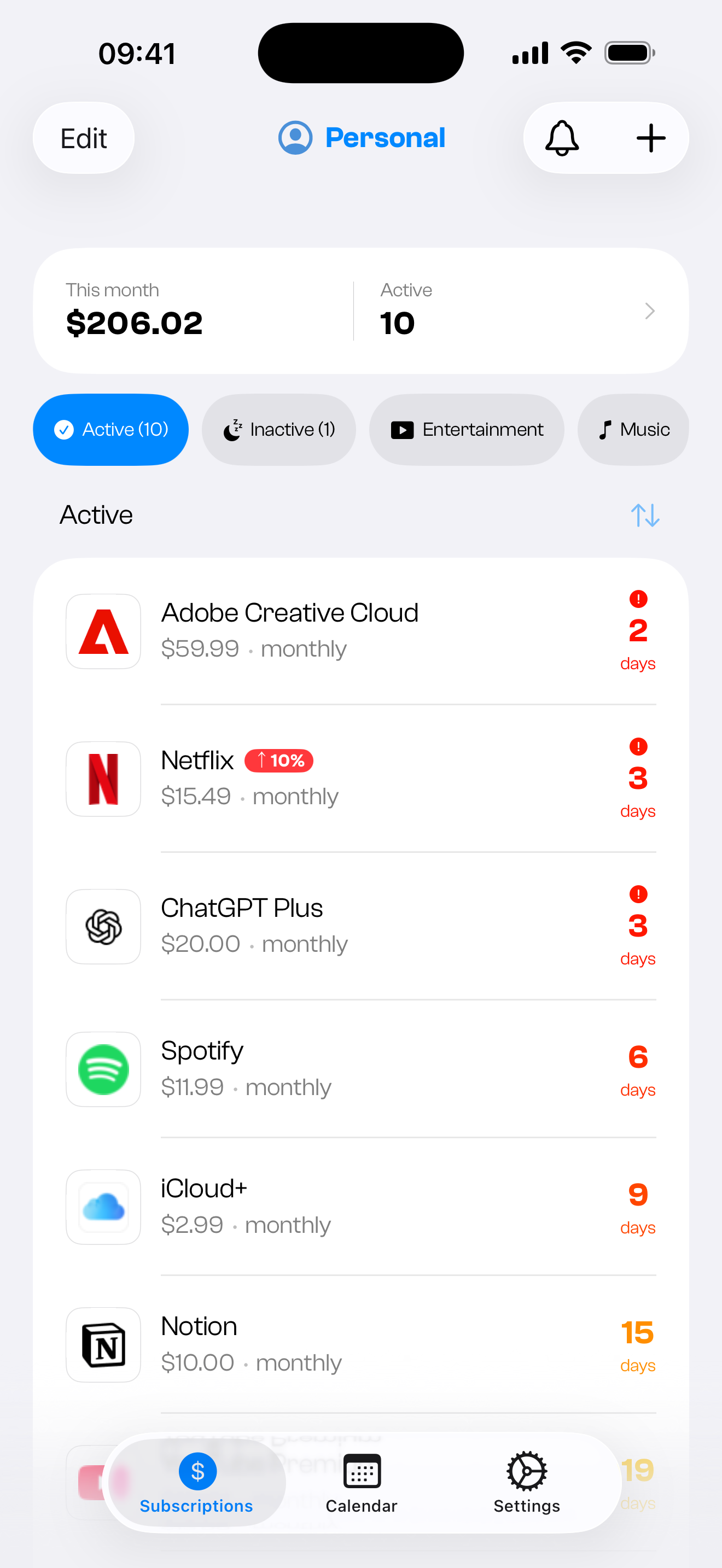
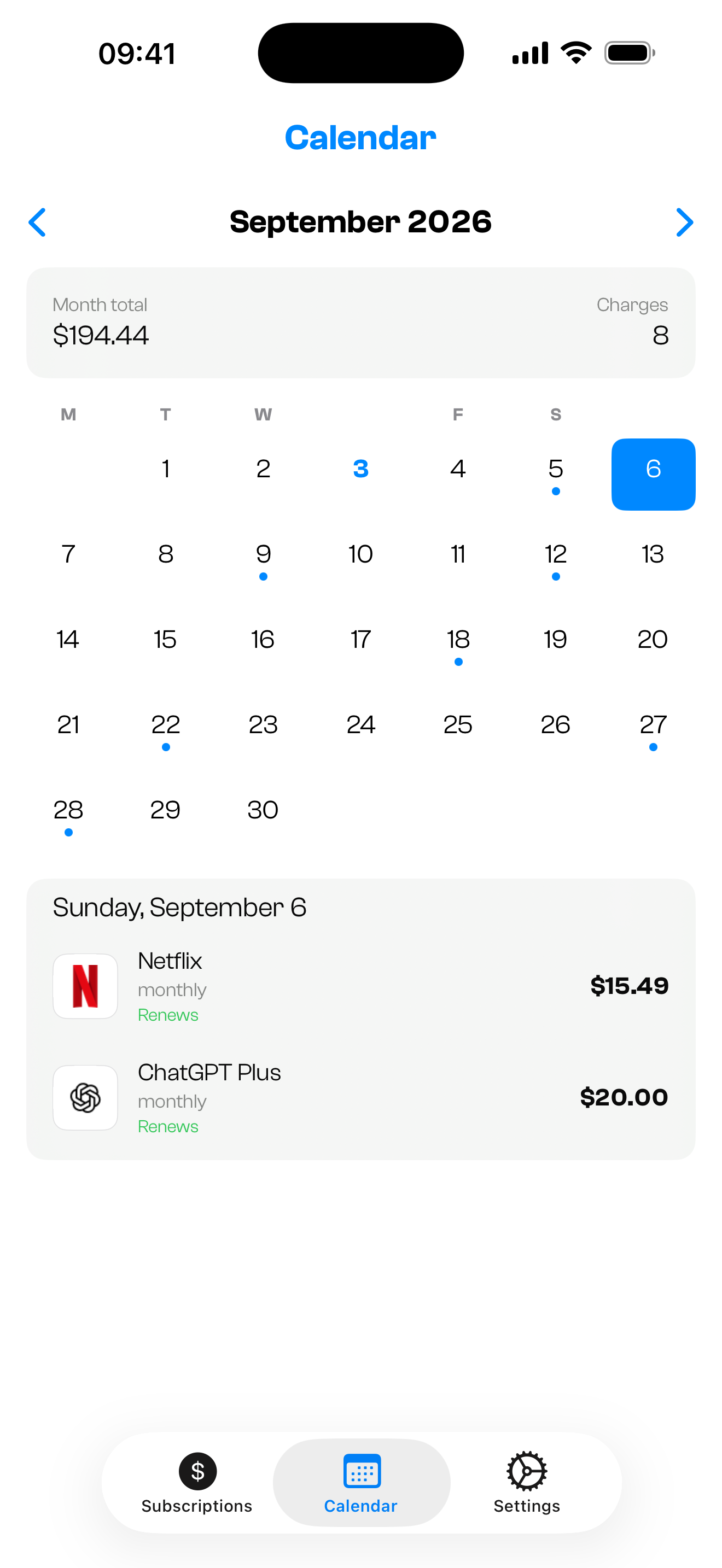
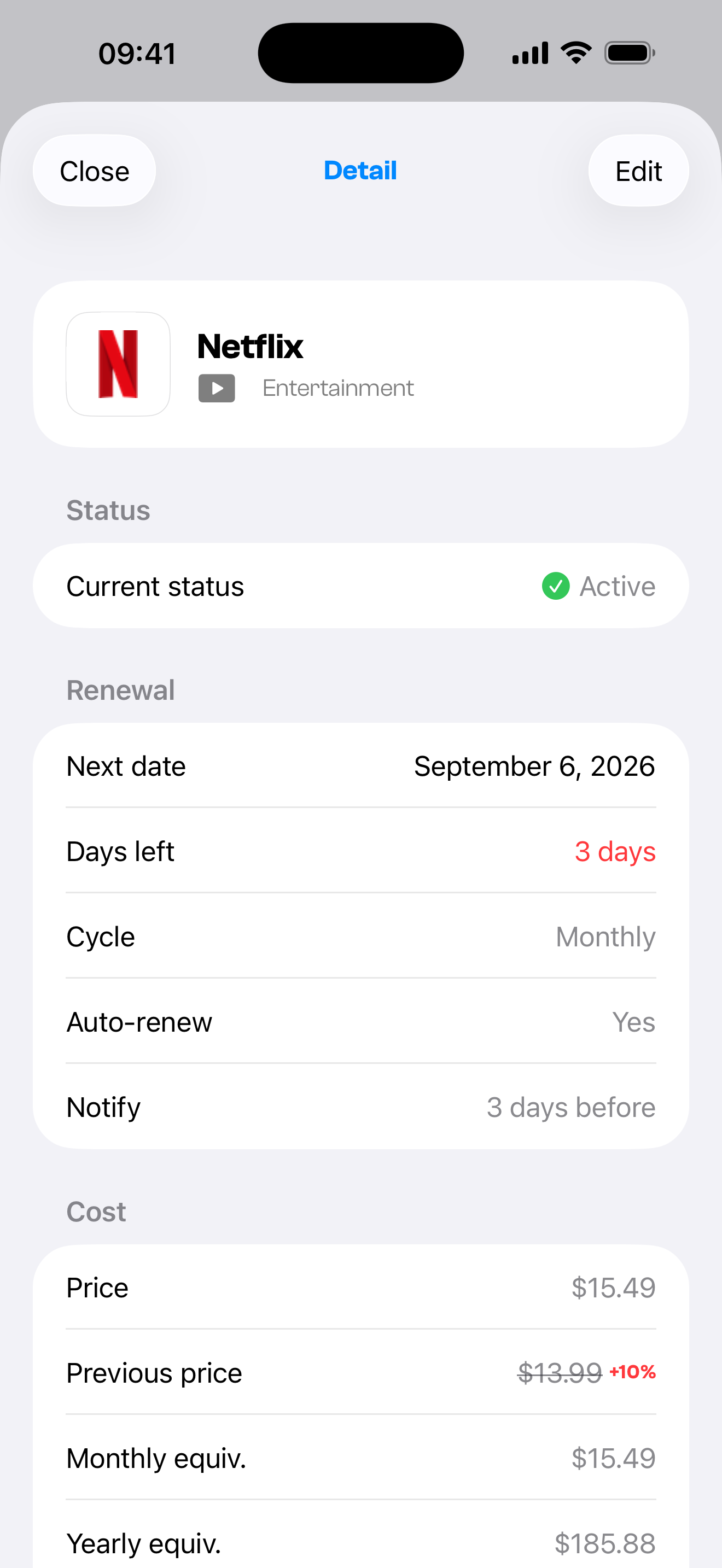
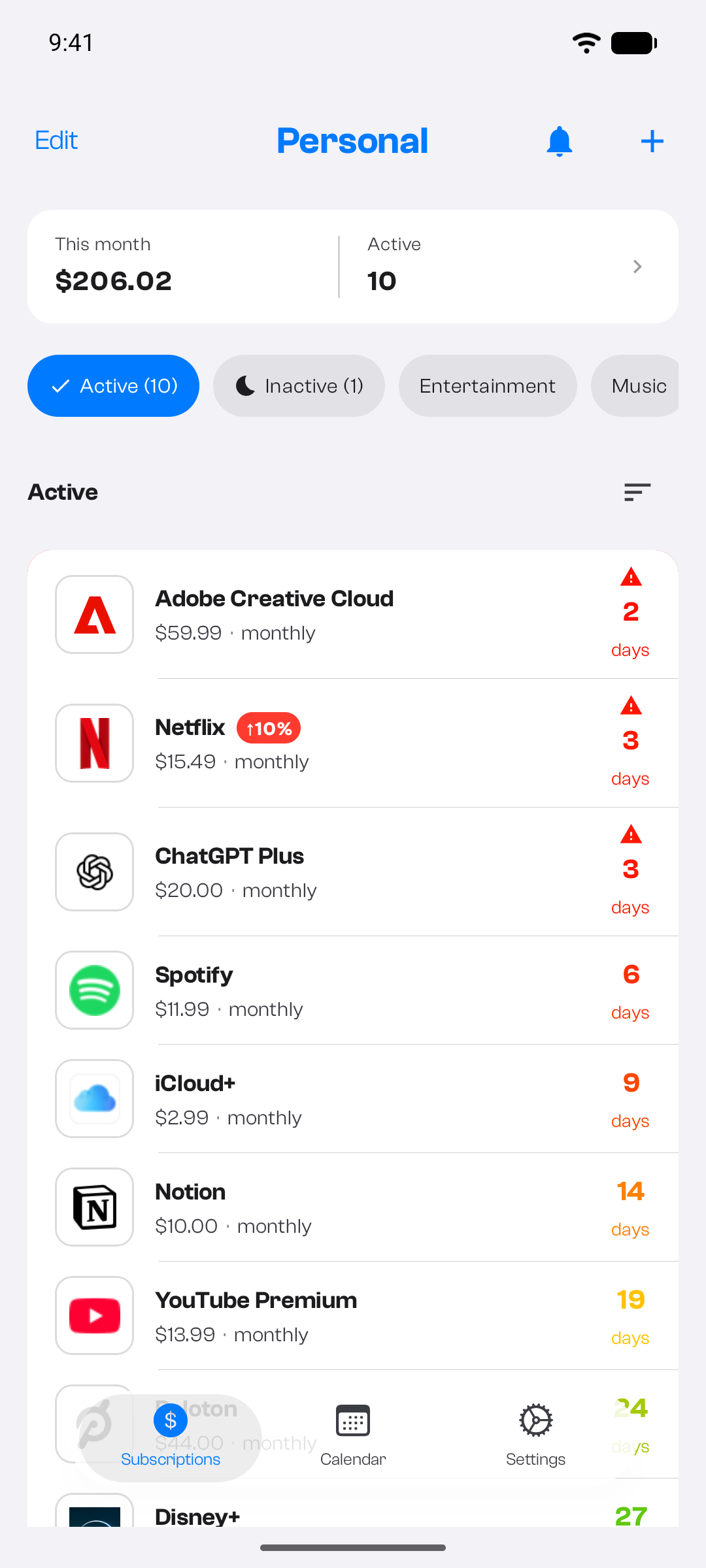
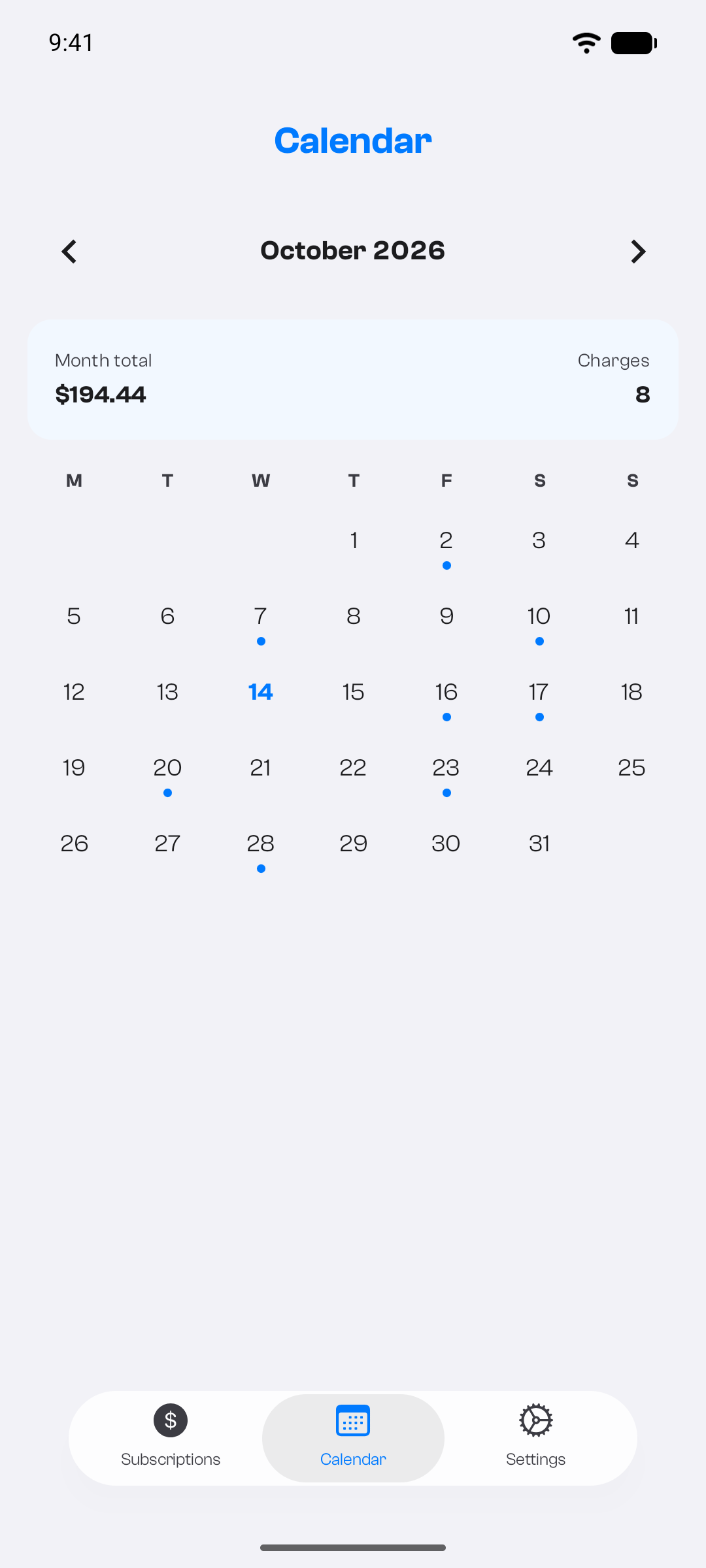
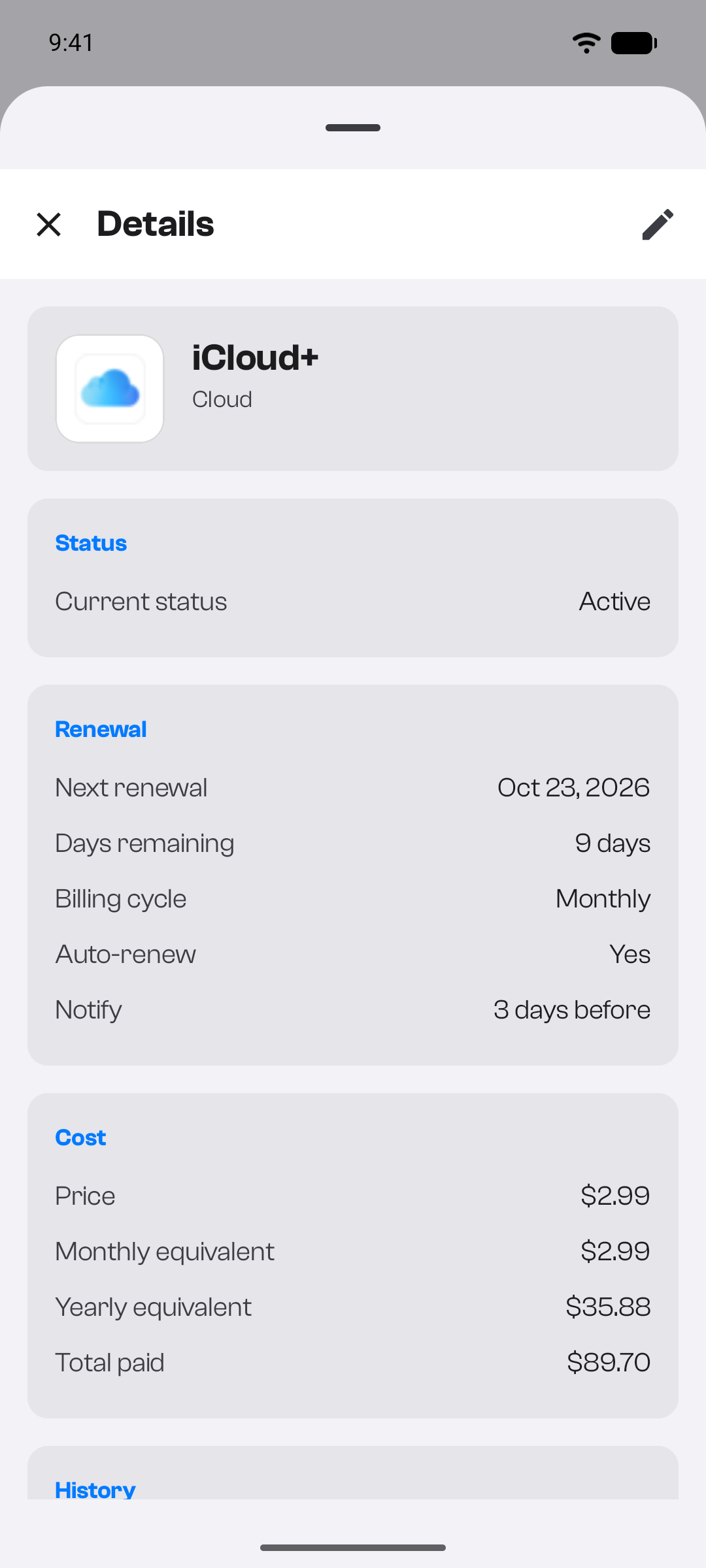
Every renewal on one calendar, with the month’s total and number of charges — and your spending and next renewals on the home screen.
Get warned before every charge and before free trials end. The bell keeps every reminder, even the ones you dismissed.
Monthly and yearly totals, spending by category, the price changes you record, and your Year in Review.
Track subscriptions in 33 currencies, converted to your display currency automatically.
Track what you pay off in parts and prepaid sessions you have left, and split a subscription to see your share.
No bank access, no ads. Optional Face ID or fingerprint lock, and free export to JSON or CSV on any plan.
Sign in with Apple or Google. Your subscriptions sync across your devices.
Name, price and cycle. Curb recognises known services and sets their logo.
Get reminded before each charge, spot what you no longer use and stop paying for it.
Up to 5 subscriptions · Calendar, reminders and insights · Cloud sync and multi-currency · Export to JSON or CSV
Everything in Free · Unlimited subscriptions · Unlimited profiles · JSON and CSV import
No. Curb never asks for bank or email access. You add subscriptions yourself — it takes seconds.
iPhone and iPad on iOS, and Android phones. Pro is bought separately on the App Store and Google Play.
No — ironically for a subscription tracker, Pro is a one-time purchase. Pay once, keep it forever. Your store shows the price before you pay.
An account is required, so your data is stored on your device and synced through Firebase, encrypted in transit and at rest. No ads, and we never sell your data.
Yes. Track subscriptions in 33 currencies and see totals converted automatically.
The app is available in 13 languages, which you can switch in Settings.



Get Curb: out now on iOS · Android.